
- Data Optimization is Key
Kev emphasizes the importance of only importing the data you need. Google Sheets has a five-million-cell limit, and exceeding it can lead to sluggishness. Focus on limiting unnecessary columns and implementing date-based rolling windows to maintain efficiency.
- Say No to Manual Data Entry
It’s not the early 2000s; manual data entry is inefficient and prone to errors. Leveraging automation tools like DataSights is the modern approach. Kev explains how to streamline your data import process.
- The Power of ChatGPT
For those less technically inclined, ChatGPT comes to the rescue. Kev demonstrates how ChatGPT simplifies data curation by helping users filter and extract the information they need.
- Curated Data Sets for Performance
Kev highlights the benefits of working with curated data sets. By putting in a bit of effort upfront, you can ensure that your Google Sheets performance remains consistent over time.
- Leveraging SQL Views
Learn how to harness SQL views to create organized, efficient data structures. Kev walks through the process of creating SQL views for specific data requirements.
- Google Sheet Push Service
Discover the Google Sheet Push Service offered by DataSights. Kev provides a step-by-step guide on how to set it up, ensuring seamless data synchronization with Google Sheets.
- The Magic of Scheduled Syncs
Automation is key to maintaining data accuracy. Kev explains how to schedule syncs to keep your Google Sheets up to date with the latest data from your various sources.
- Behind the Scenes: The Data Journey
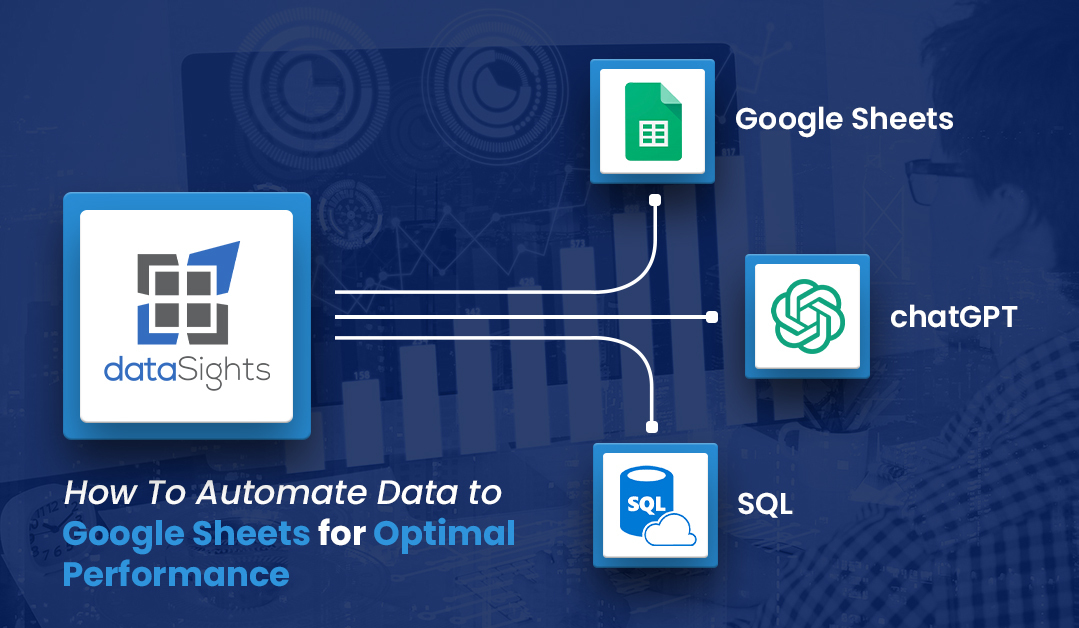
Kev unveils what happens behind the scenes: data from diverse sources converging into a dedicated cloud database. He explains how SQL and ChatGPT are employed to curate the data for Google Sheets.
Conclusion
This guide equips you with the knowledge and tools needed to automate data into Google Sheets while maintaining peak performance. Say goodbye to the frustrations of data slowdowns and embrace a more efficient, data-driven workflow. Have questions or need assistance? Kev and the DataSights team are ready to help, ensuring your data journey is smooth and productive.
kevinw@datasights.com.au
www.datasights.co