








Three steps to automated reporting
ataSights connects to your source system via API, syncs your data into
a secure,
dedicated SQL database, and makes
it available to the reporting tool of your choice.
Connect your Xero organization
Sign up for a free trial and connect your source
system. dataSights syncs your data via API
into your own dedicated, secure Azure SQL
database. No CSV exports, no manual uploads.
Choose your output
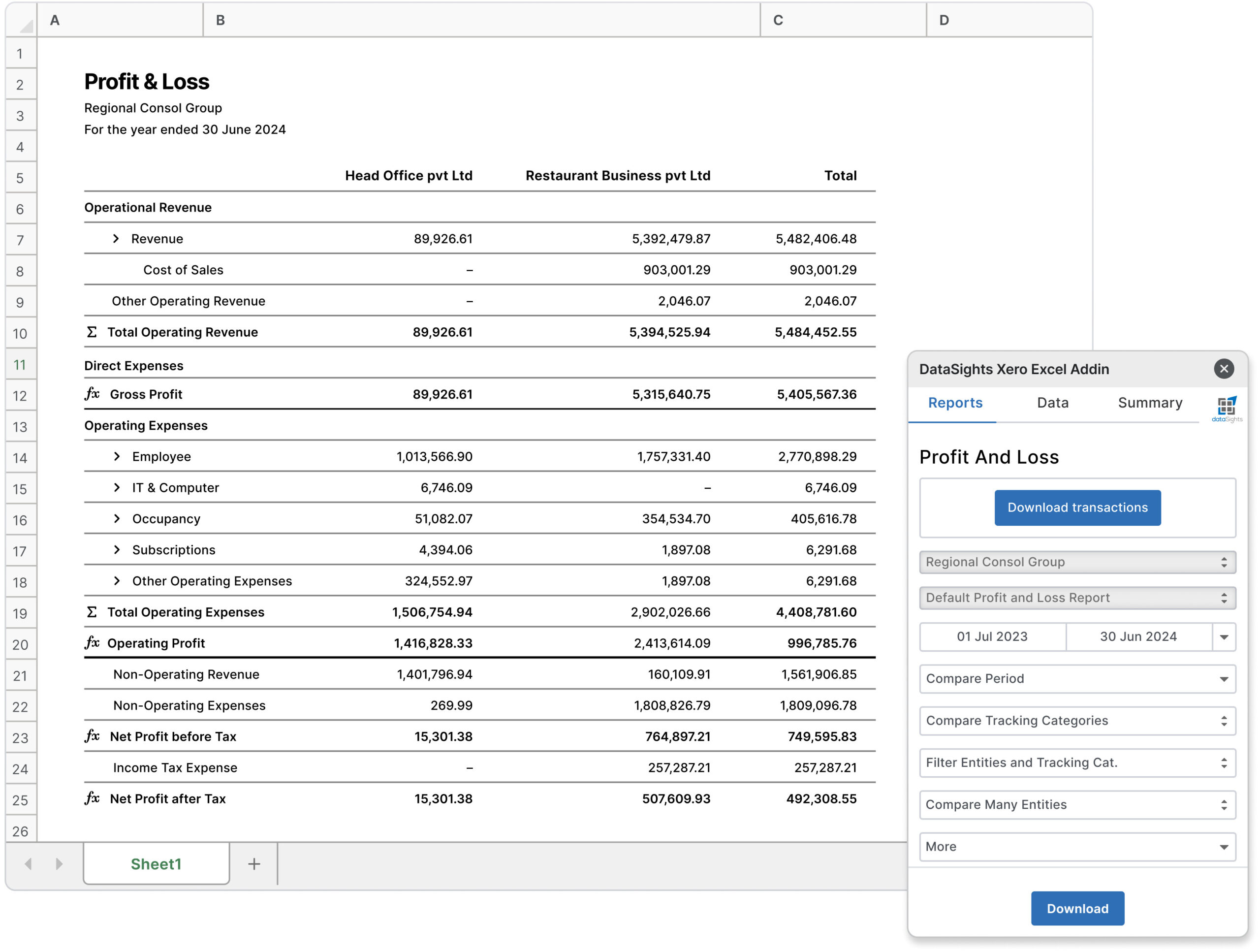
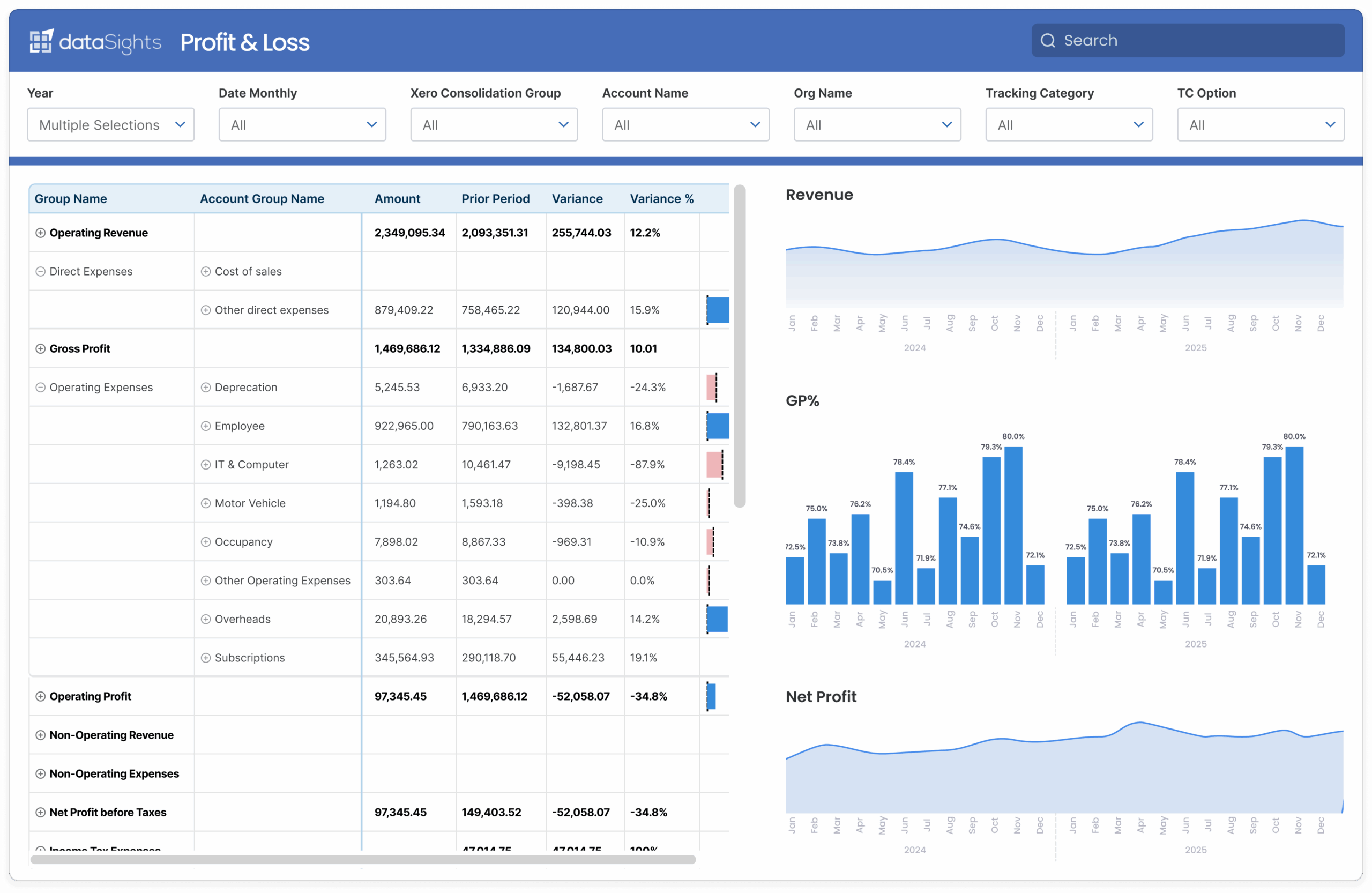
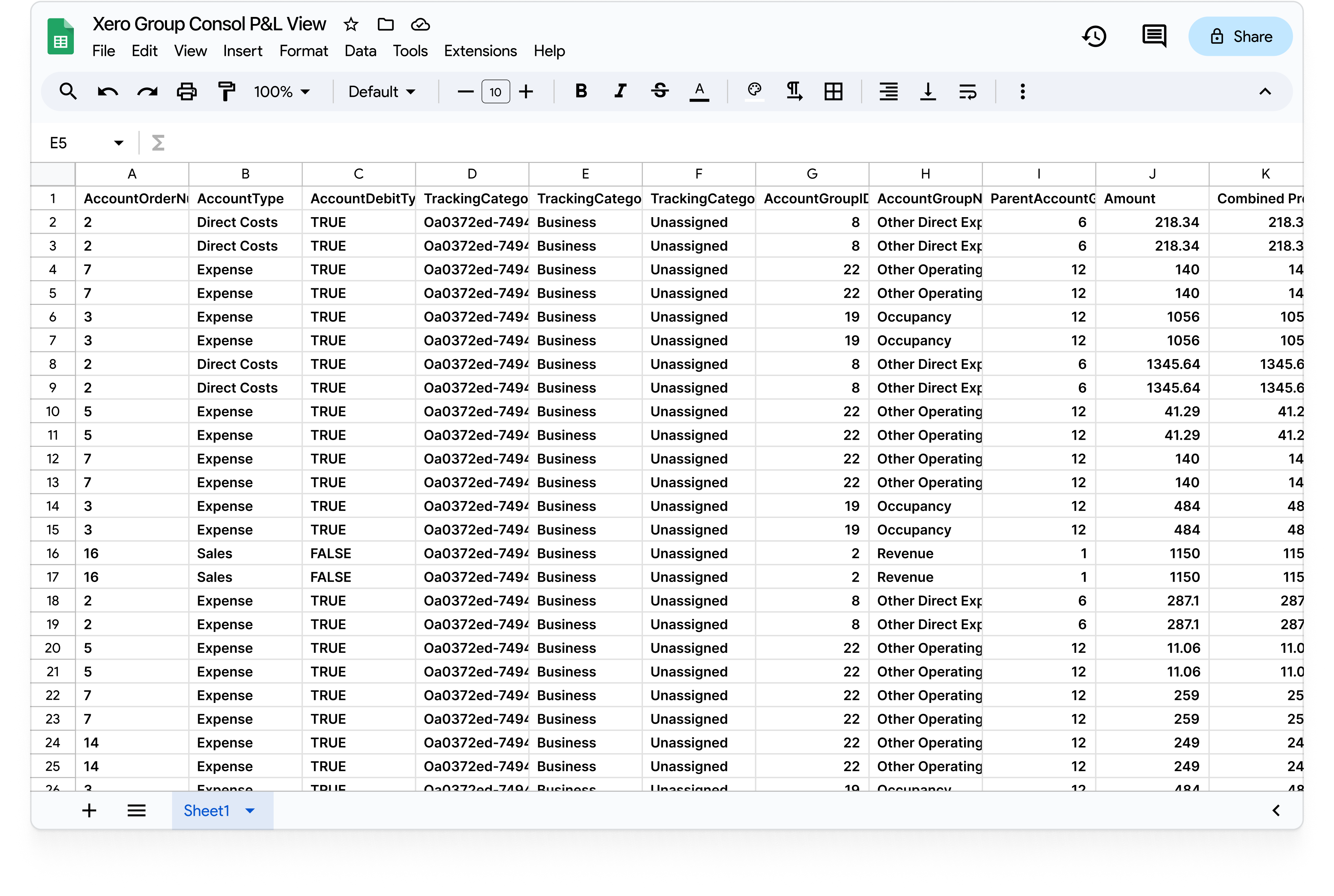
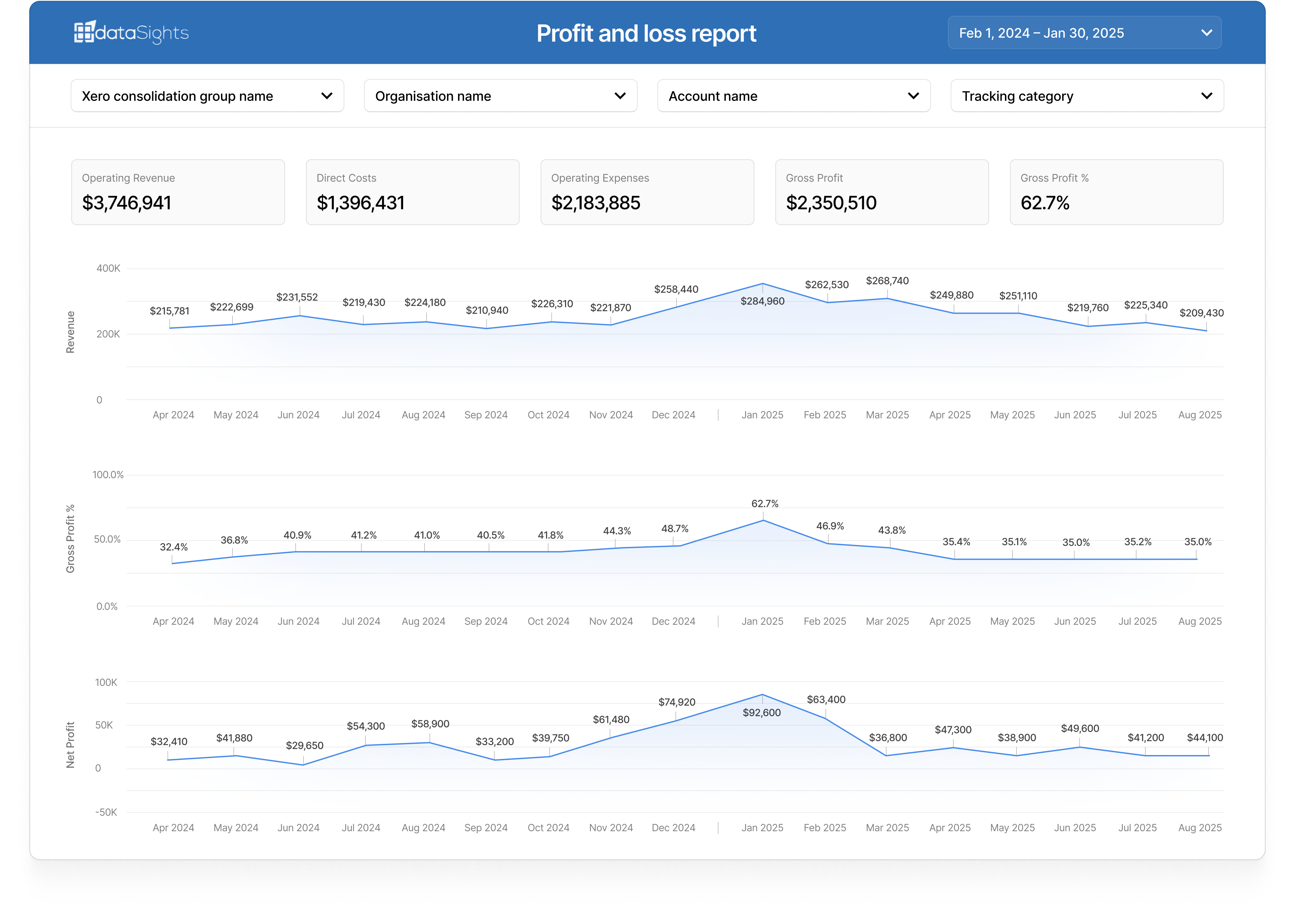
Connect Excel, Power BI, Google Sheets,
Looker Studio, or an AI agent via MCP. Your
data is structured and ready to use from day
one, with pre-built views and report templates.
Automate and scale
Schedule refreshes, combine with data from 200+
other connectors, and build consolidated reports across
your entire tech stack. Add new sources any time.
Report where your team already works
Your data, your choice of tool. dataSights delivers clean,
structured data to whichever platform you and your team prefer.
Ask AI about your Exchange Rates data
Ask AI questions across your Exchange Rates data
Plain English in. Reports, SQL views, dashboards and automated workflows out. Works with Claude, ChatGPT, Microsoft Copilot and any MCP-compatible AI.
Ask anything, no SQL required
Plain-English queries across all your Exchange Rates data, joined with Xero and any other system you sync.
Build reusable SQL views by chatting
Non-technical users describe what they want. AI Connect writes the SQL view back to your database. Power BI, Excel and Looker Studio pick it up immediately.
Automate workflows and build apps
Customers are using AI Connect to automate recurring reporting tasks and build internal tools on top of their dataSights database. No developer needed.

Exchange Rates data objects
The following data is typically available via the Exchange Rates API. Your dataSights database will contain structured, report-ready views for each.
Need a specific data object? Contact us and we
will confirm what is available
for your connector.
What our clients say

"My experience with dataSights has been amazing. They delivered on the promise of being able to connect all of our various, diverse data sources into one spot. Customer support and service were also top-notch, with fast response times for any questions or issues."

250+
Businesses
200+
Connectors
5 Star
Xero Rating
About Exchange Rates
The Exchange Rates connector provides access to live and historical foreign currency exchange rate data from global financial markets. It enables businesses to convert transaction values across currencies and analyse FX exposure in their financial reporting. This connector is commonly used in conjunction with ERP, accounting, and finance platforms to ensure accurate multi-currency calculations. It supports a wide range of currency pairs and historical date-based rate lookups.

Ready to automate your reporting?
Start a 14-day free trial. No credit card required. Connect your first data source in minutes.
Start free trial