
Connect Xero to Power BI, Excel, Google
Sheets and Google Looker Studio automatically
Reliable Xero connectors and reporting platform built for finance teams who need clean data, fast refreshes, and real consolidation - without manual exports or fragile syncs. Automate reporting and management reports across Excel, Power BI, Google Sheets, and Google Looker Studio backed by a SQL data model that scales from single entities to hundreds of Xero organizations - including full group consolidation.
Used by over 4,000+ businesses globally








One Xero connector.
Three powerful outputs
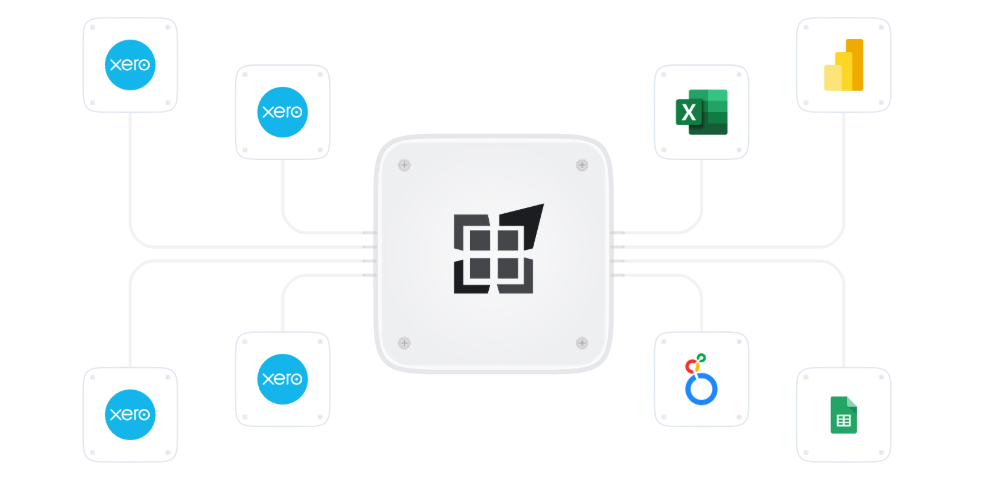
Whether you’re working in Excel, Power BI, or Google Sheets, dataSights gives you the same consistent, governed Xero data, refreshed automatically and ready for reporting, consolidation, and management packs.

Pull full transactional data, not just summaries

Combine multiple Xero organisations

Handle different charts of accounts

Apply FX, eliminations, and adjustments

Produce standardised management reports and board packs

Automate refreshes no manual exports
Built for finance teams, BI teams, and advisors who need answers not spreadsheets to fix.
Built for management reporting and Xero consolidation
dataSights is more than a Xero data connector. Our platform is built for finance teams who need repeatable management reports, group consolidation, and automated month-end reporting without spreadsheets breaking every month.
Management reports, not raw data
Built for finance teams who need repeatable management reports, not spreadsheets to fix, dataSights supports month-end reporting, board packs, and operational insights from day one.
True multi-entity Xero consolidation
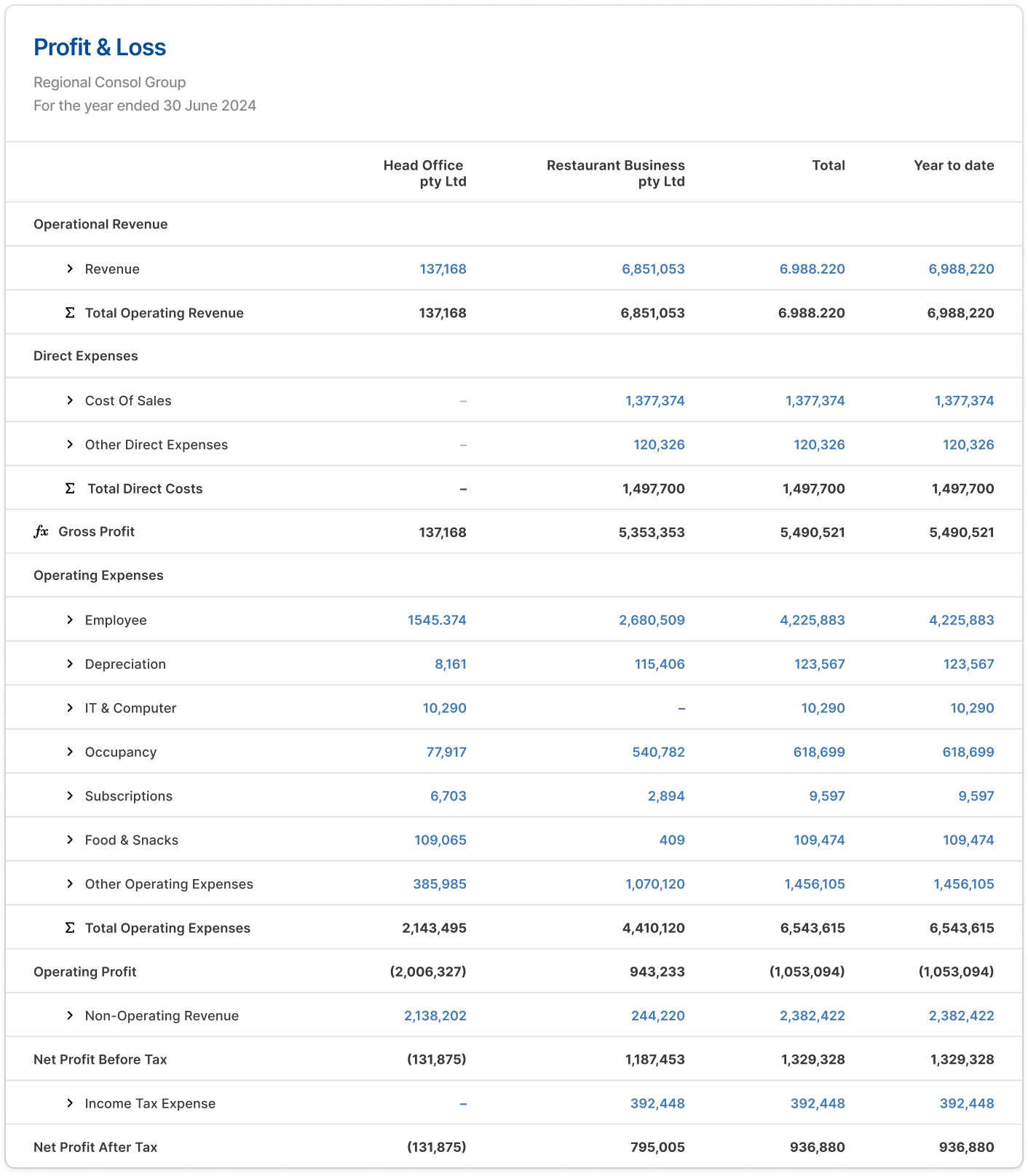
We consolidate data from multiple Xero organisations into a single SQL-based reporting layer including FX, eliminations, inter-company adjustments, and journals.
Live reports across your tools
The result is live management reports, dashboards, and board packs across Excel, Power BI, Google Sheets, and the web – refreshed automatically.
Automate your Xero reporting
today in 3 easy
steps
A world-class technology platform & real people to
listen and guide you to 100% automated reporting
Connect
Securely connect your Xero
organisations
to the dataSights DataHub.
Model & Consolidate
We standardise, consolidate, and structure your data
in SQL – including FX, eliminations, and adjustments.
Automate Reporting
Use Excel, Power BI, or Google Sheets
to build live reports, dashboards,
and management packs refreshed automatically.
Need help? Our team supports you every step of the way.
Ask AI across all your Xero organisations
Ask AI questions across all your Xero organisations
Your consolidated Xero data is already syncing into dataSights. AI Connect lets Claude, ChatGPT, or Microsoft Copilot query it directly. Generate board pack commentary, run cross-entity comparisons, and build reports without exporting a single CSV.
We focus on the data.
You focus on
decisions.
Most Xero connectors stop at syncing tables. dataSights goes further providing a report-ready data layer that supports real-world finance use cases.

Multi-entity
groups

Month-end
reporting
Board and
management packs

Power BI
dashboards

Excel-based
workflows

Journal automation
back into Xero
This is why finance teams switch to dataSights – and stay.
What makes dataSights different?

Built for consolidation
Multi-entity groups, different charts, FX, eliminations,
and journals are first-class features – not workarounds
SQL-First architecture
Your data lives in a structured SQL model – perfect
for Excel Power Query, Power BI, and scale.
Refresh reports
Post journals back to Xero, and
automate
month-end with one click.
Live and scheduled refreshes
Near real-time or scheduled updates – you choose.

Works beyond Xero
Bend Xero with payroll, operational,
and
other non-financial data sources.

Real support from real people
You work directly with people who
understand
finance, reporting and BI
Learn more about
each automation
A world-class technology platform and real people to listen
and guide you to 100% automated reporting and workflows

Excel
Connect Xero to Excel for automated management reports, journals, and month-end workflows.
Learn More
Power BI
Connect Xero to Power BI using a clean SQL model built for fast, scalable dashboards.
Learn More
Google Sheets
Connect Xero to Google Sheets for lightweight, shareable reporting without CSV exports.
Learn More
Google Looker Studio
Connect Xero to Google Looker Studio for live, shareable dashboards – no CSV exports needed.
Learn MoreFrequently asked question
Create an account (Free trial available), create or bring an existing database, connect Xero on the Connectors page, then Sync! Then follow a short video on how to use your database credentials to connect to Power BI in Direct query mode. Done!
Connect Xero to dataSights, then use our Excel connector to pull data directly into your spreadsheets via OneDrive or SharePoint.
Use our Google Sheets integration to automatically sync your Xero data into any Google Sheet on your chosen schedule.
Yes. dataSights supports consolidation of up to 200+ Xero entities. Pricing is based on the number of entities connected.
Yes — dataSights supports write-back to Xero. You can post journals, update contacts, and more directly from your reports.

Having trouble? Contact our 24/7 support now